Home Mental Maths › The BrainBuzz App
App features
BrainBuzz
Help Centre · brainbuzz.co.uk
The app is designed for the everyday part of Home Access – creating tests and doing them with your child. Account and subscription settings are managed on the BrainBuzz website.
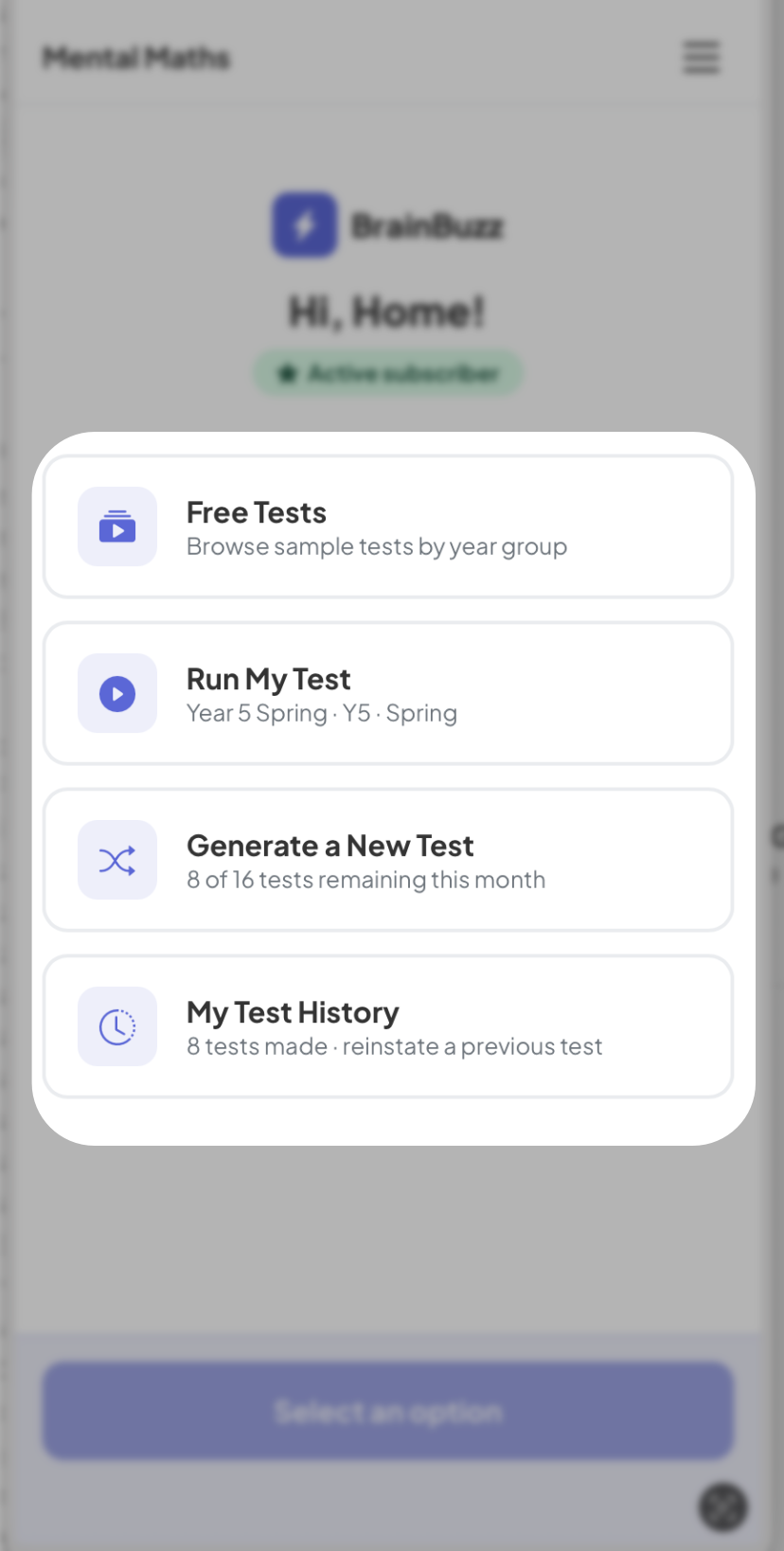
What you can do in the app
- Access the free tests – Play any of the free tests. There is one test per term per year group.
- Play tests – questions are read aloud, with the timer and pictures shown on screen, just like on the website.
- Go through the answers – one question at a time, so you can talk through each one with your child.
- Generate a Test - Subscribers can generate a new test at the touch of a button.
- See your test history – find and replay tests you've already created.
- Check your credits – see how many tests you have left this month.
Done on the website
A few things are managed on the BrainBuzz website rather than in the app:
- Changing your password or account details.
- Choosing, upgrading, downgrading or cancelling your plan.
- Payments and receipts.
- Printing answer sheets.
Everything you do in the app and on the website is linked to the same account, so your tests and credits are always in step.
Tips
- Turn the sound up, or use headphones – every question is read aloud.
- A tablet gives your child more room to see the questions and pictures.
- Keep a pencil and paper handy for jottings on the harder questions.