A home account gives you access to BrainBuzz Home Access. You create your account as part of subscribing, and it only takes a few minutes. At the moment the home subscription is Mental Maths, with tests made just for your child.
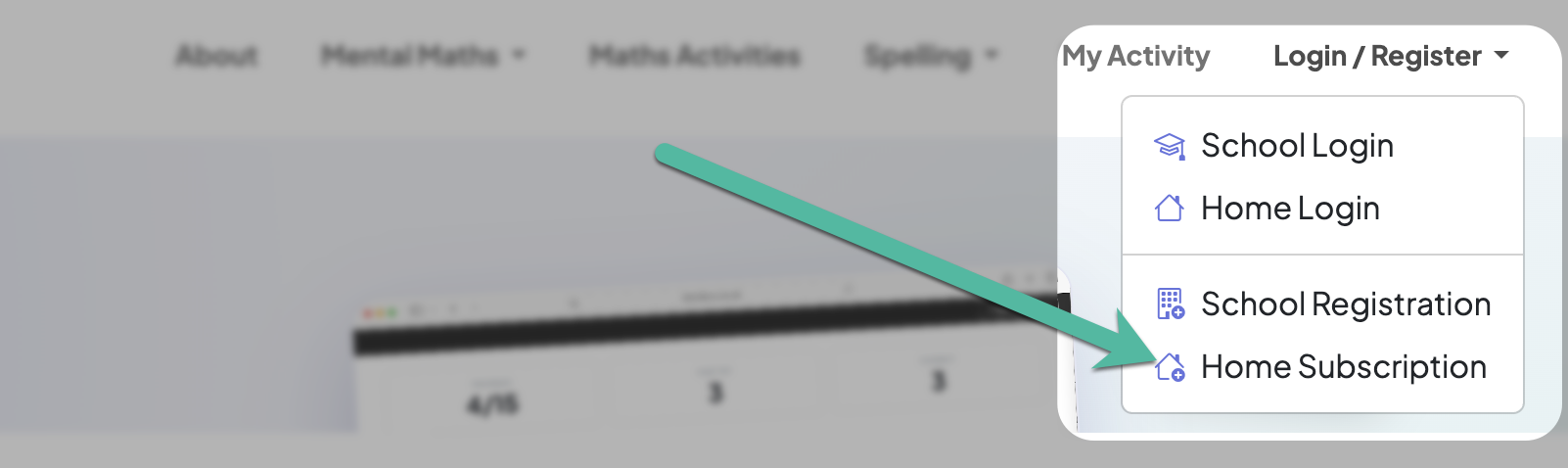
1. Go to Home Access
Open the Login/Register menu at the top of the page and choose Home Subscription.
2. Choose a plan
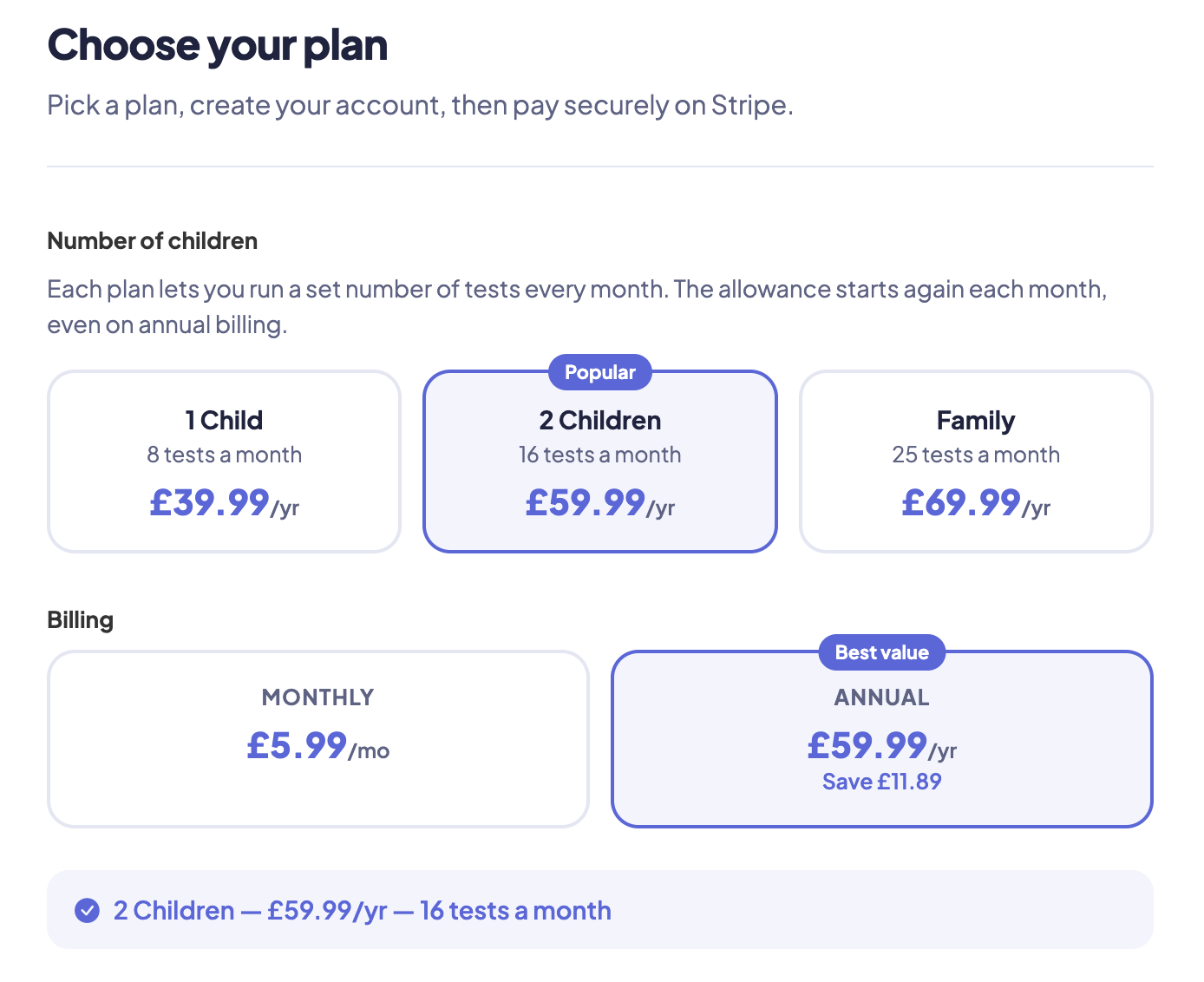
Choose the plan that suits your family – 1 Child, 2 Children or Family – and whether to pay monthly or annually. Plans differ in how many tests you can create each month. If you have a discount code, add it before paying and you'll see the updated price.
3. Enter your details
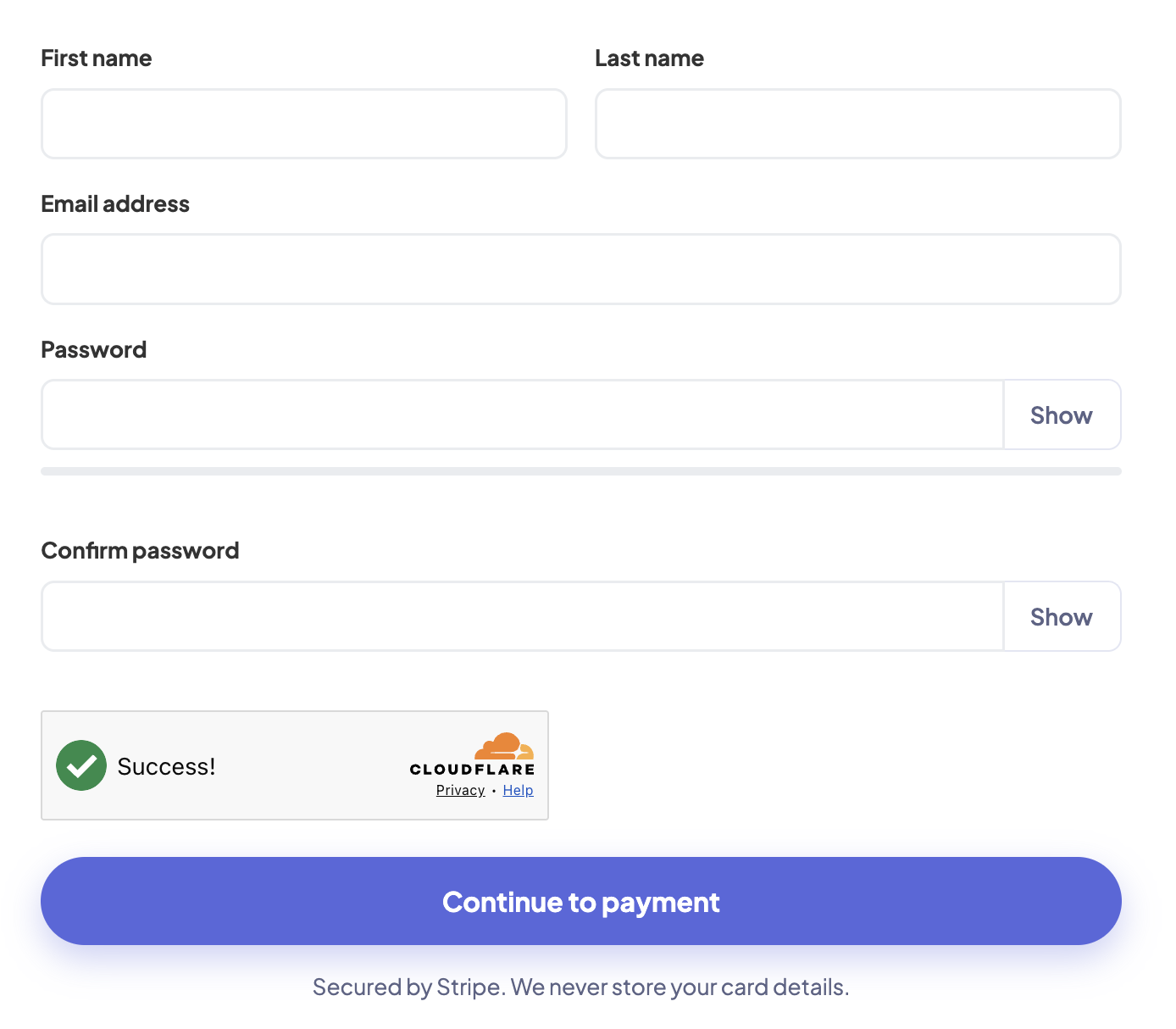
Enter your name and email address, and choose a password. Use an email address you check regularly – it's where your receipts and any password reset links will be sent.
Complete the quick security check and click Register.
4. Pay securely
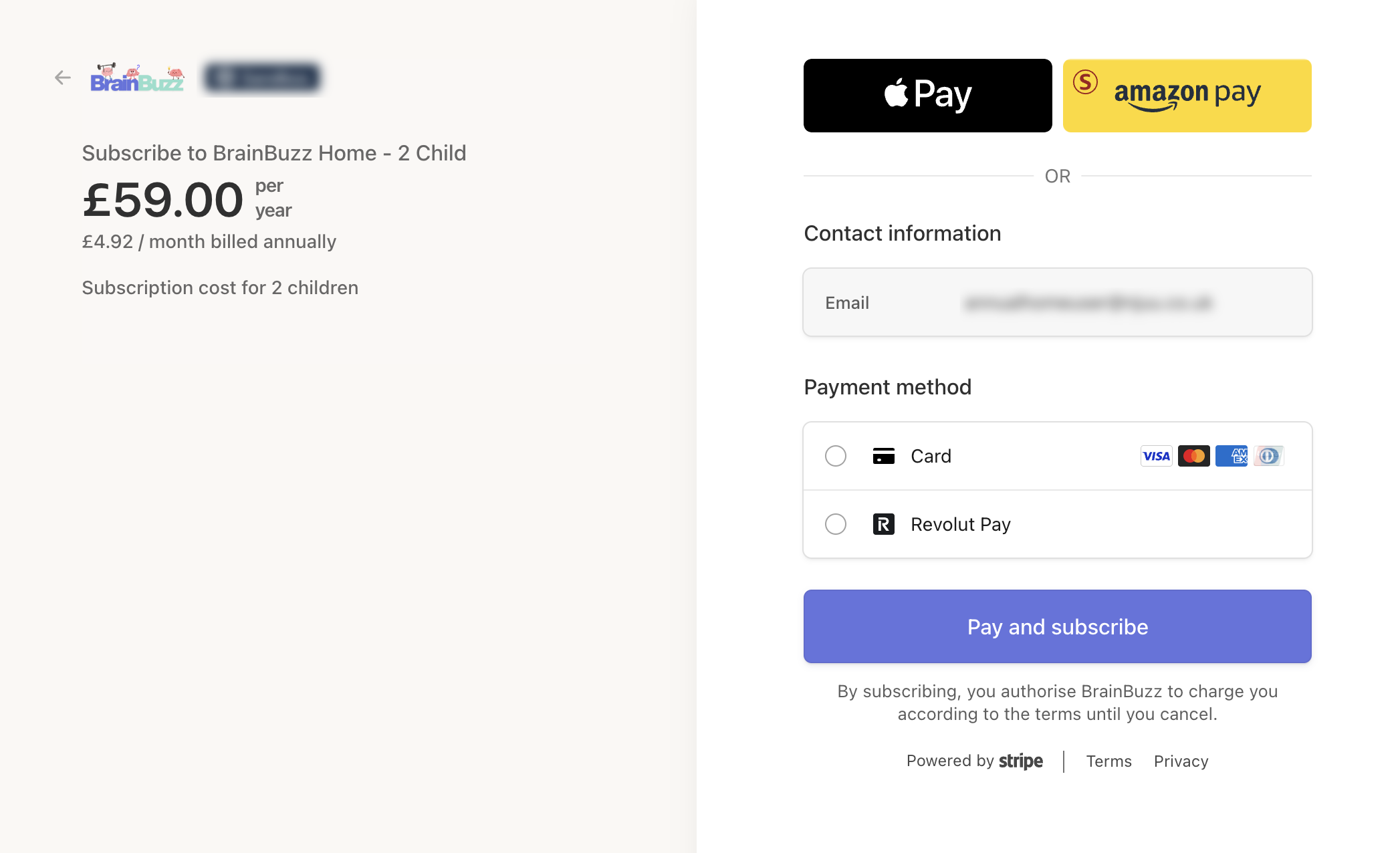
Payment is handled securely by our payment provider, Stripe. BrainBuzz never sees or stores your card details.
5. You're ready to go
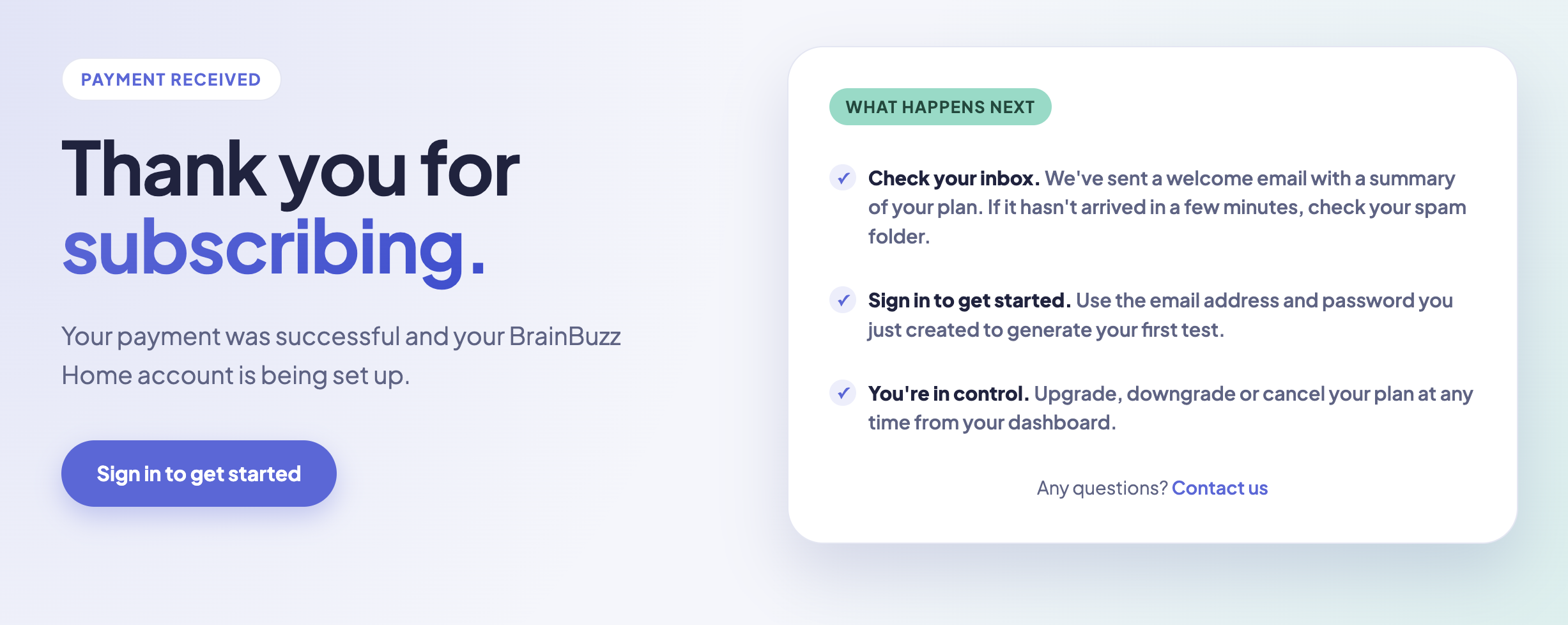
Once payment is complete, you'll be taken to your dashboard, where your Mental Maths subscription shows as Active. We'll also send you a welcome email.
Want to use BrainBuzz on a phone or tablet? See Getting the app.
Already have a home account?
Sign in first, then choose the subscription from your dashboard. Because you're already signed in, you won't need to enter your details again – you go straight to payment.