The BrainBuzz app puts Home Access mental maths tests one tap away on your phone or tablet. There's nothing to download from an app store – you save BrainBuzz to your home screen straight from your web browser, and it opens just like any other app.
Getting the app
Choose your device
It only takes a few seconds, and you only need to do it once on each device.
Opening the app
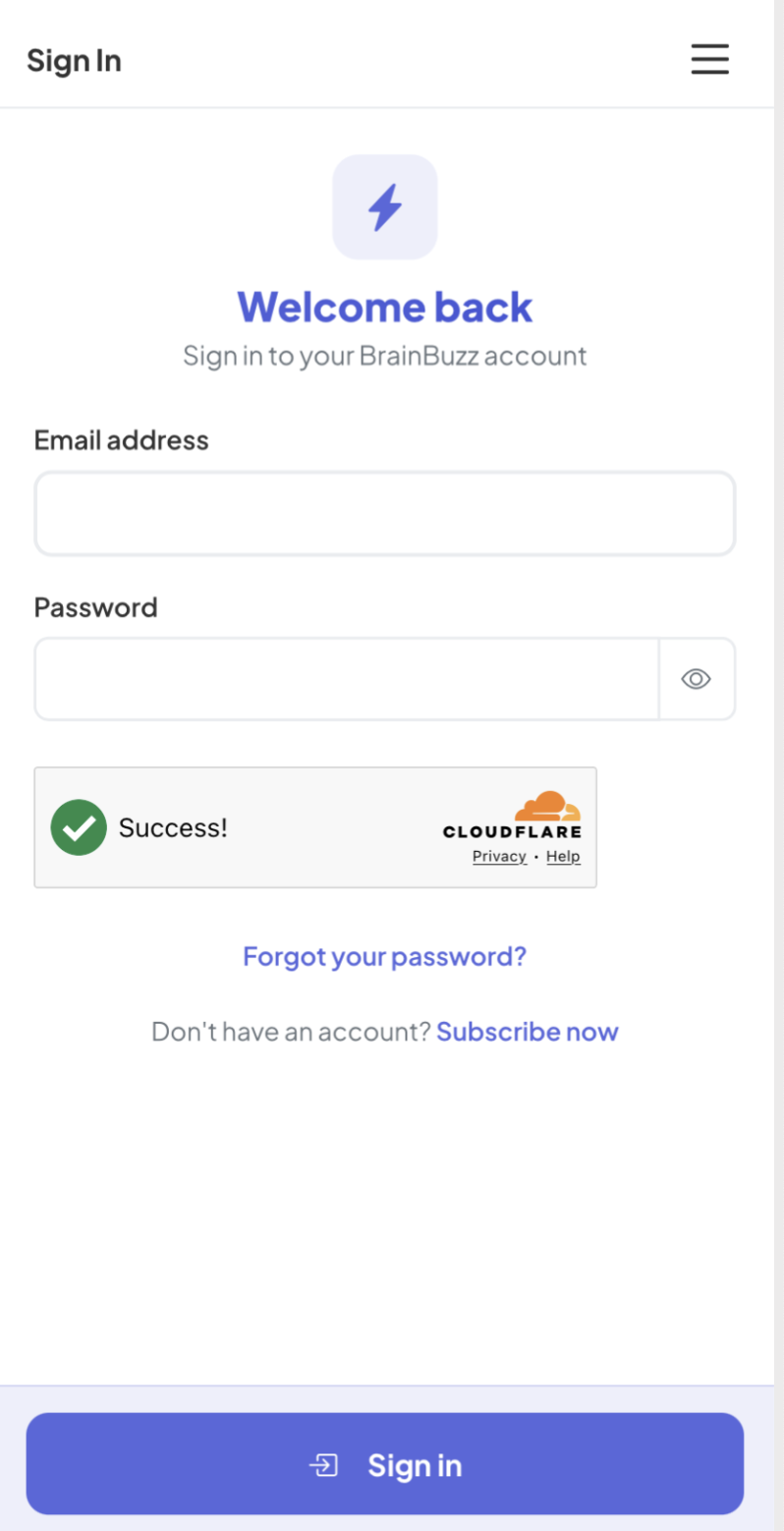
Tap the BrainBuzz icon on your home screen and log in with the email address and password for your home account. You'll stay logged in, so next time it opens straight to your tests.
Forgotten your password? Tap Forgot your password? on the app's login screen. We'll email you a link, and you choose a new password on the BrainBuzz website.