Topics
You can update your account details at any time from your account page on the BrainBuzz website.
1. Open your account
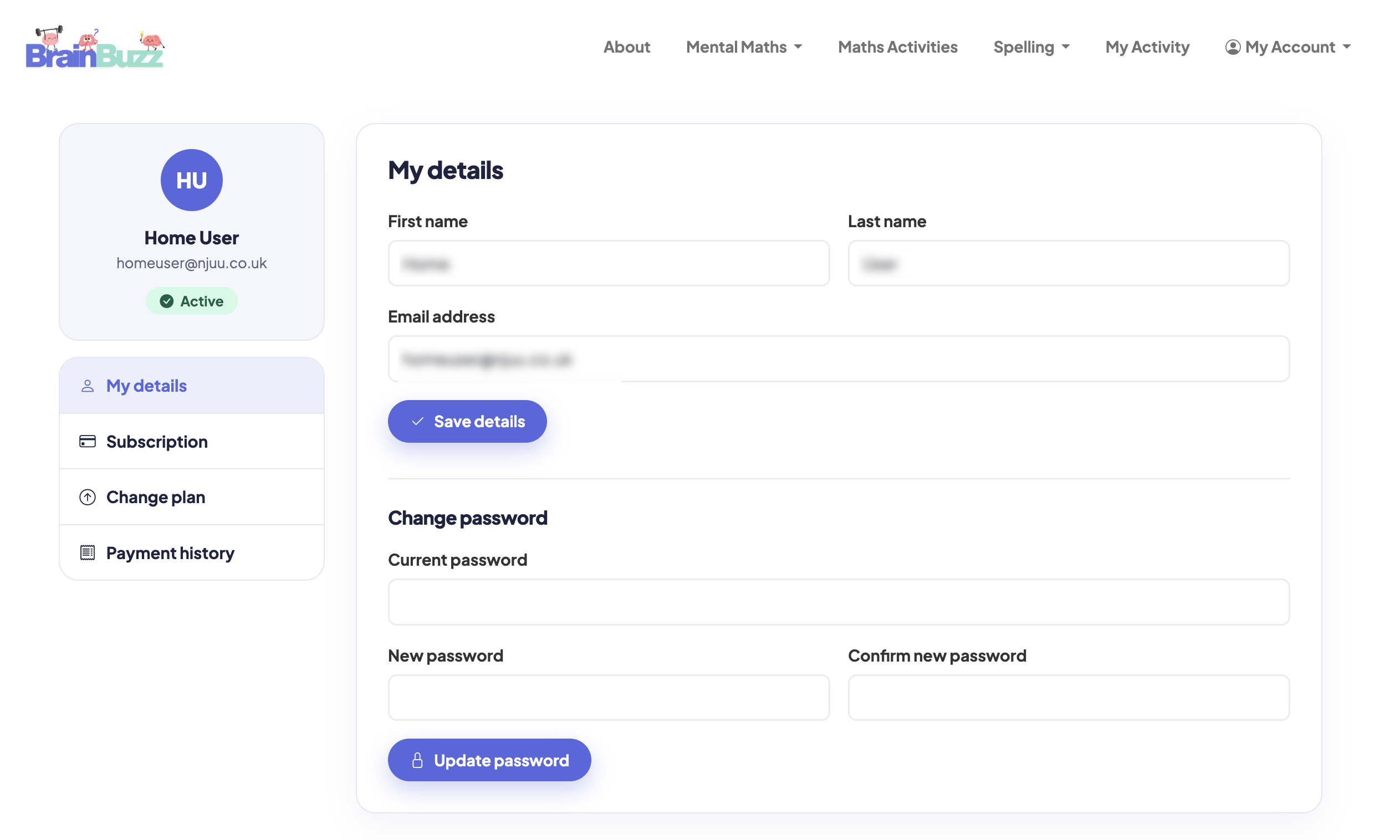
Sign in on the BrainBuzz website, then open My Account in the menu at the top of the page. Your account page has a menu on the left with My details, Subscriptions and Payment history.

2. Update your details
Choose My details, change your name, email address or password, then save. If you change your email address, use the new one next time you sign in – it's also where your receipts will be sent.
Using the app?
Account details and passwords are changed on the BrainBuzz website, not in the app. Any changes you make apply to the app straight away.