Topics
If you've forgotten your password, you can choose a new one in a couple of minutes.
1. Request a reset link
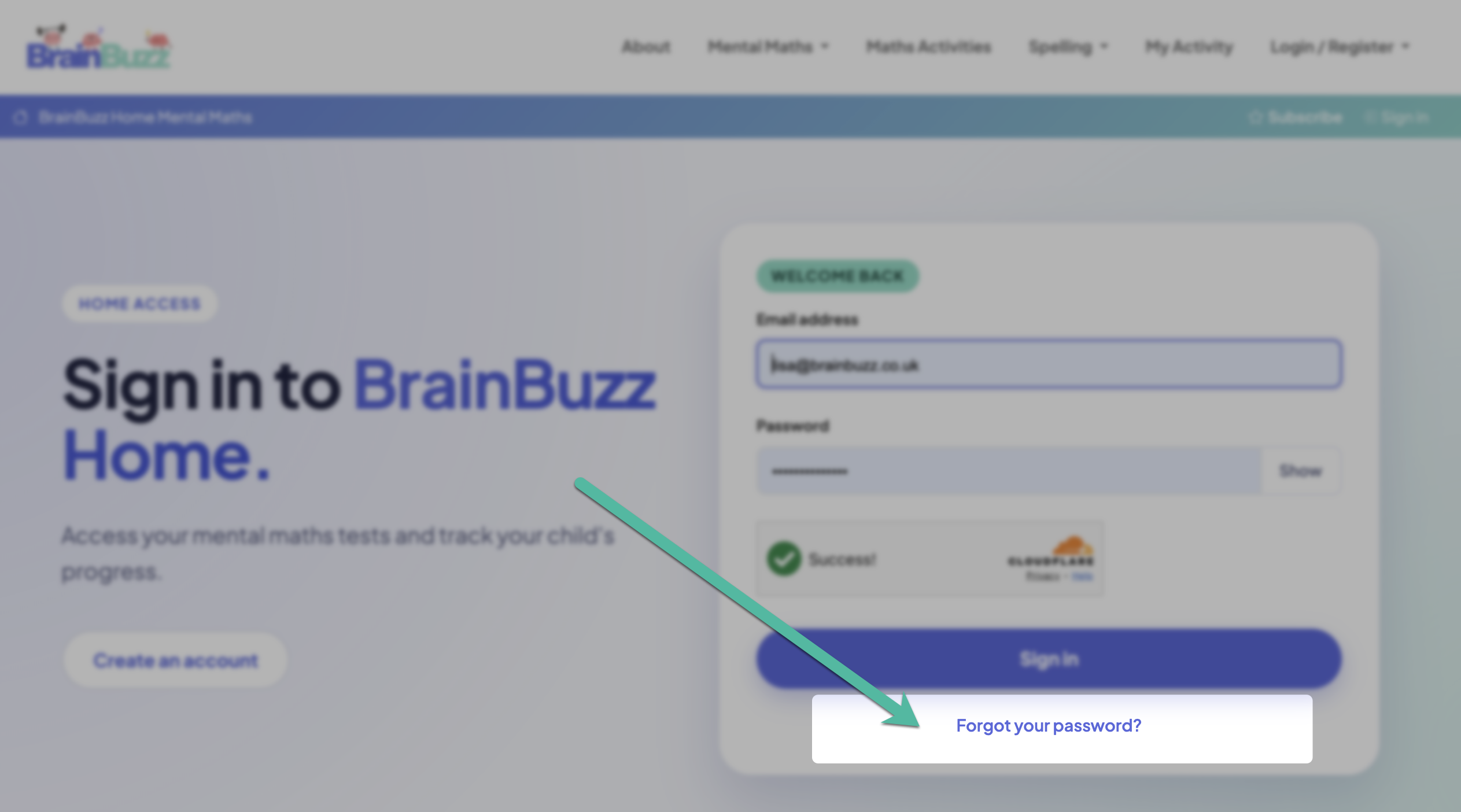
On the Home Access sign-in page – on the website or in the app – tap Forgot your password? and enter the email address for your home account.
2. Open the email
Click the link in the email from BrainBuzz. It opens a page on the BrainBuzz website where you choose your new password. If the link has expired, just request a new one.
3. Choose a new password
Enter your new password twice and save. It works straight away on the website and in the app.
No email?
- Check your junk or spam folder.
- Make sure you used the email address you registered with.
- Still stuck? Contact us and we'll help.