Topics
Home Access payments are taken automatically at the start of each billing period – monthly or yearly, depending on your plan. Payments are handled securely by our payment provider, Stripe, and BrainBuzz never sees or stores your card details.
1. Open your payment history
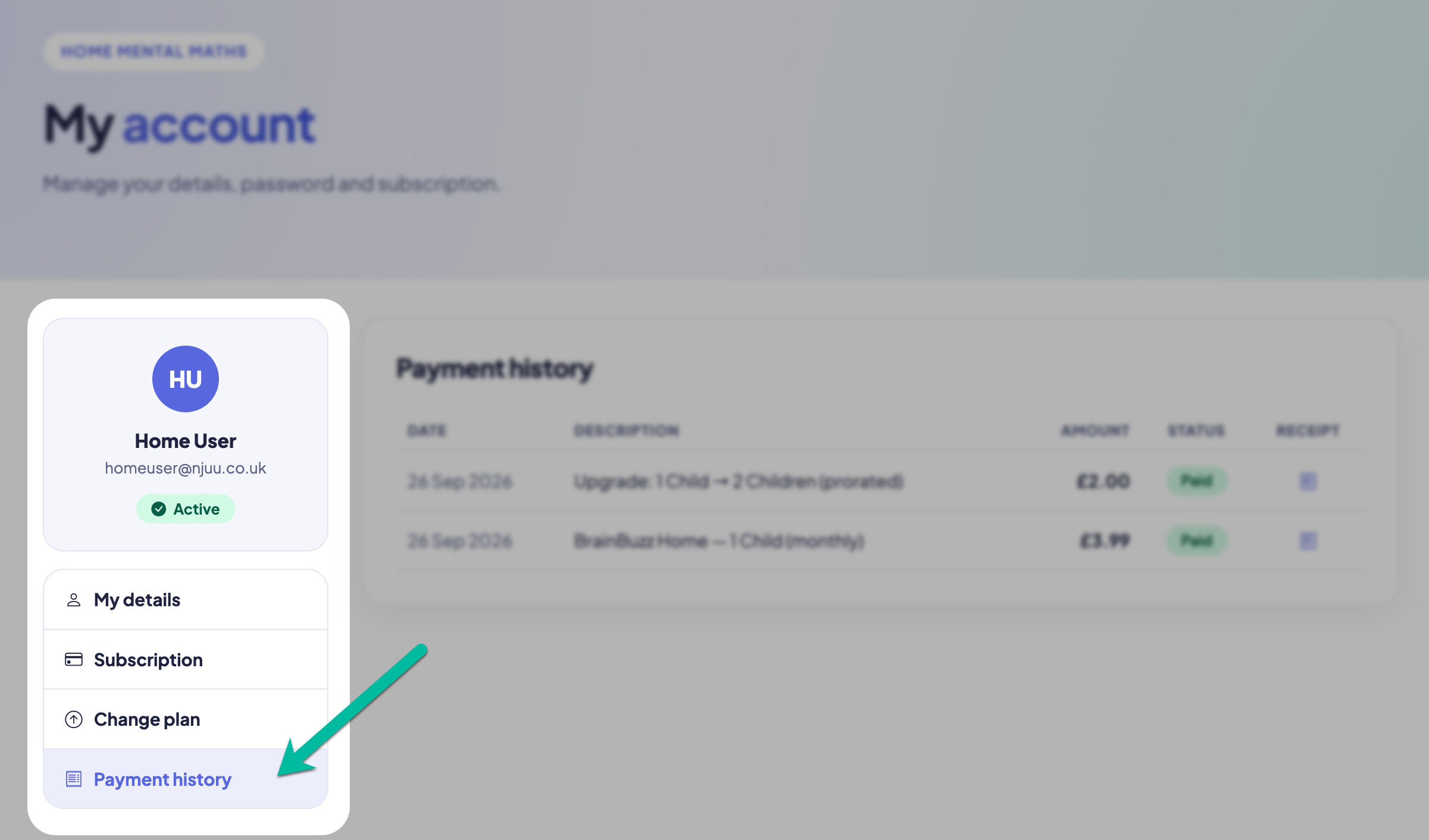
Sign in on the BrainBuzz website, open My Account and choose Payment history.
2. Check your payments
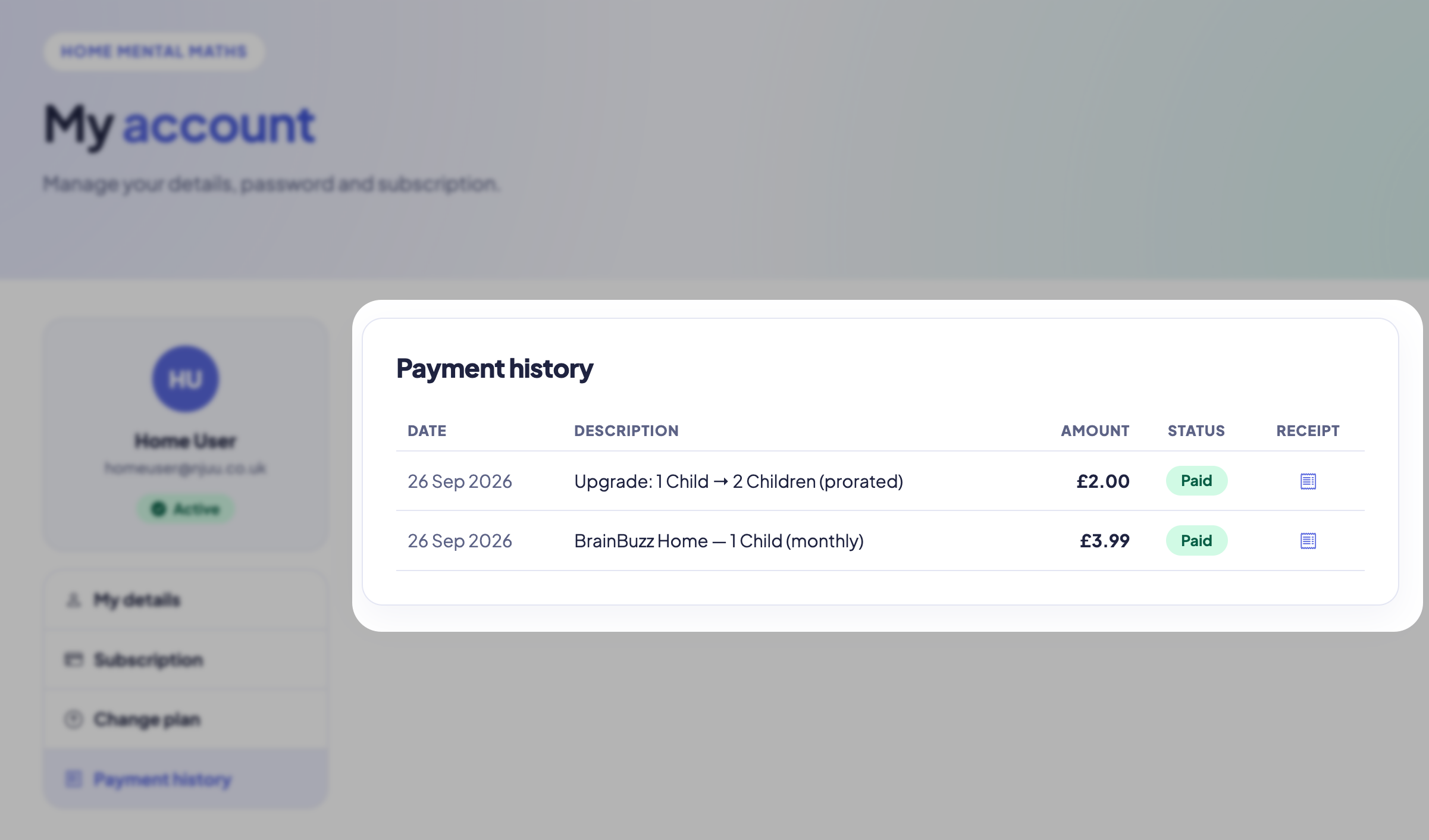
Every payment is listed with its date, description, amount and status.
If you upgraded part-way through a billing period, you'll see a separate, smaller payment marked (prorated) – you only pay the difference for the rest of that period.
3. View a receipt
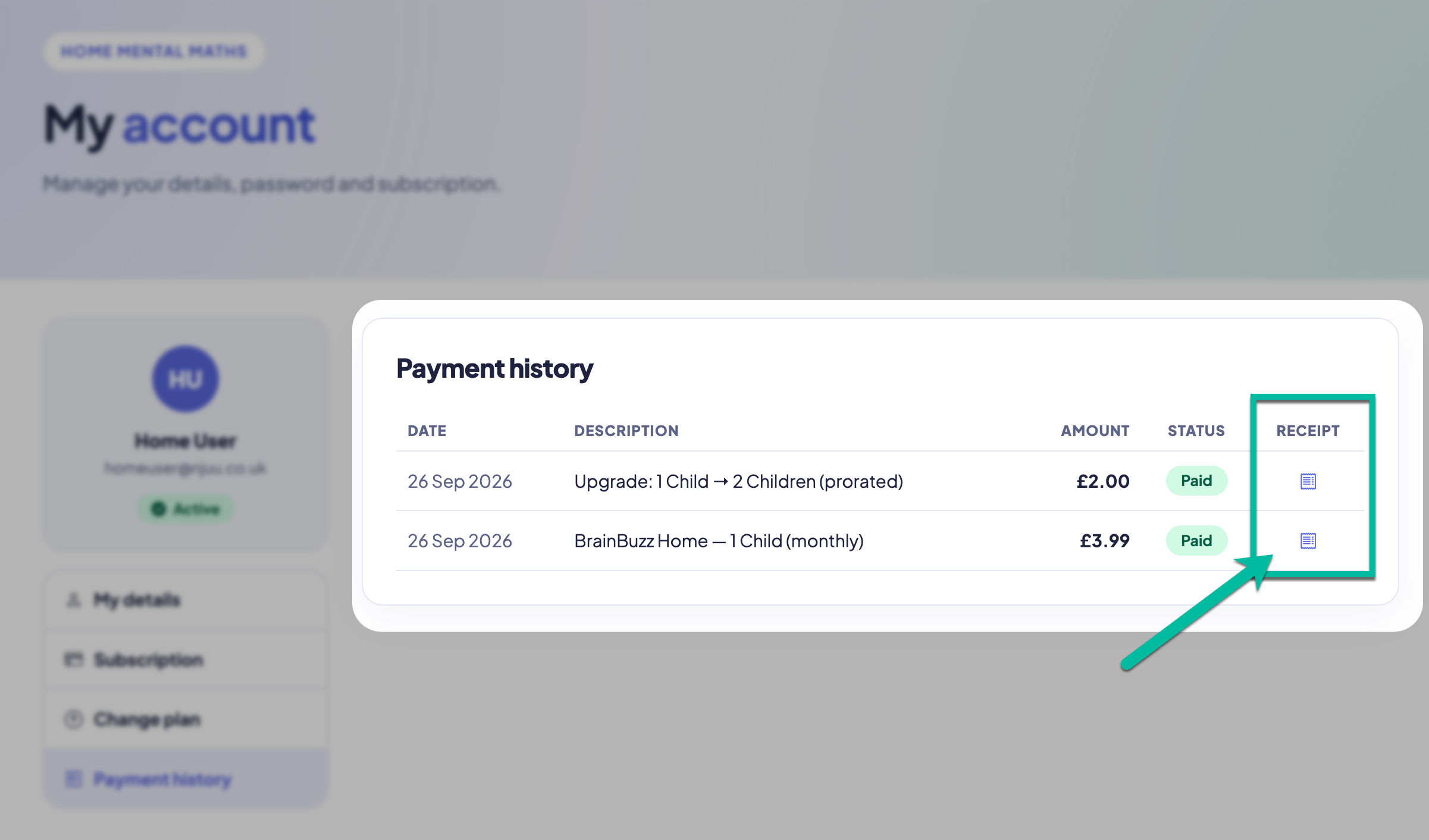
Click the receipt icon next to any payment to open its receipt, ready to download or print.