Changed your mind after cancelling? You can bring your Home Access subscription back. What you need to do depends on whether your subscription has ended yet.
Reinstating your subscription
Before your end date
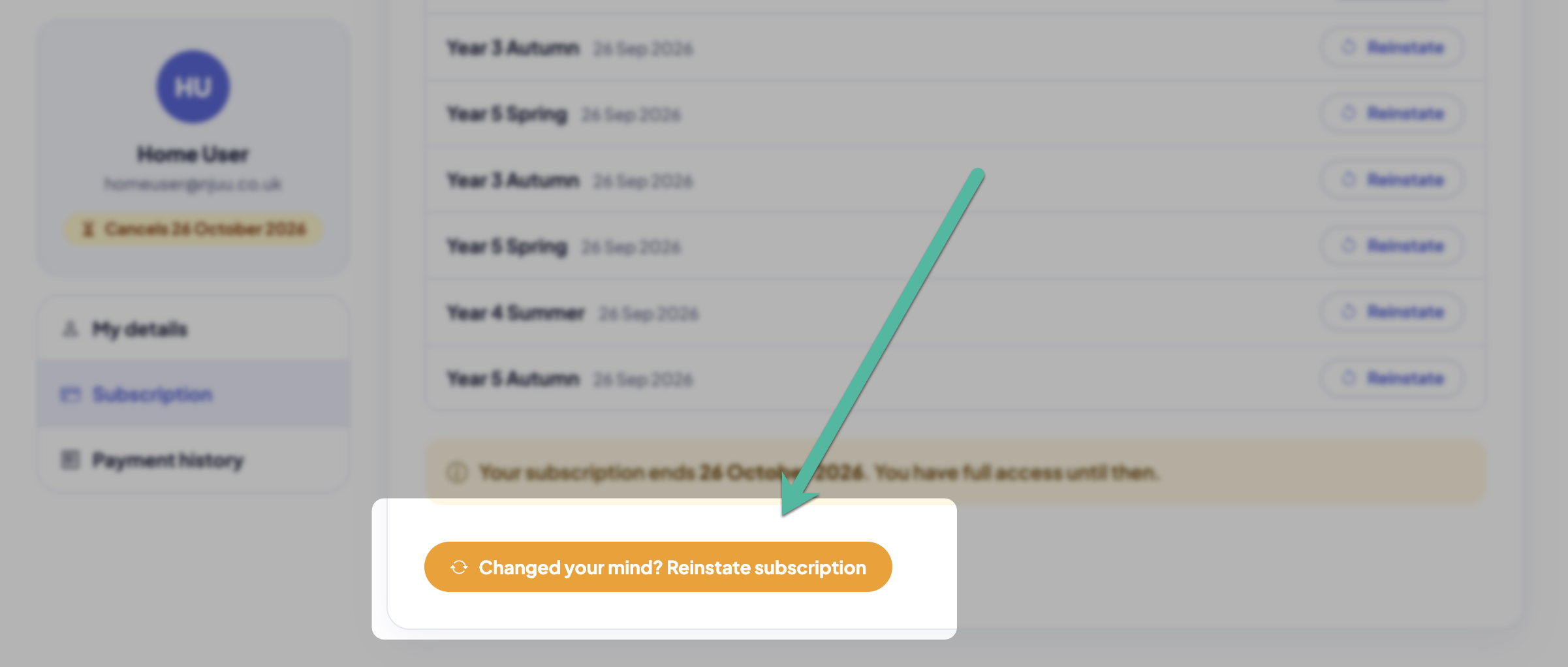
When you cancel, you keep full access until the end of the period you've paid for. Until then, you can simply carry on as if you never cancelled:
- Sign in on the BrainBuzz website, open My Account and choose Subscriptions from the menu on the left.
- Choose Reinstate subscription and confirm.
Your plan continues as normal – you won't be charged anything extra now, and your next payment is taken on your usual renewal date.
After your subscription has ended
Once the end date has passed, your subscription can't be reinstated, but you can start a new one at any time:
- Sign in with your usual email address and password.
- On your dashboard, Mental Maths will show as Subscription Inactive. Choose it to see the plans.
- Choose your plan and you'll go straight to the secure payment page – you won't need to enter your details again.
Your new subscription starts straight away, with a fresh monthly allowance of tests.
Your account is kept
Unless you chose Delete my account when you cancelled, your account is kept. When you come back, your details and your test history are all still there.