Geometry

Measuring Angles

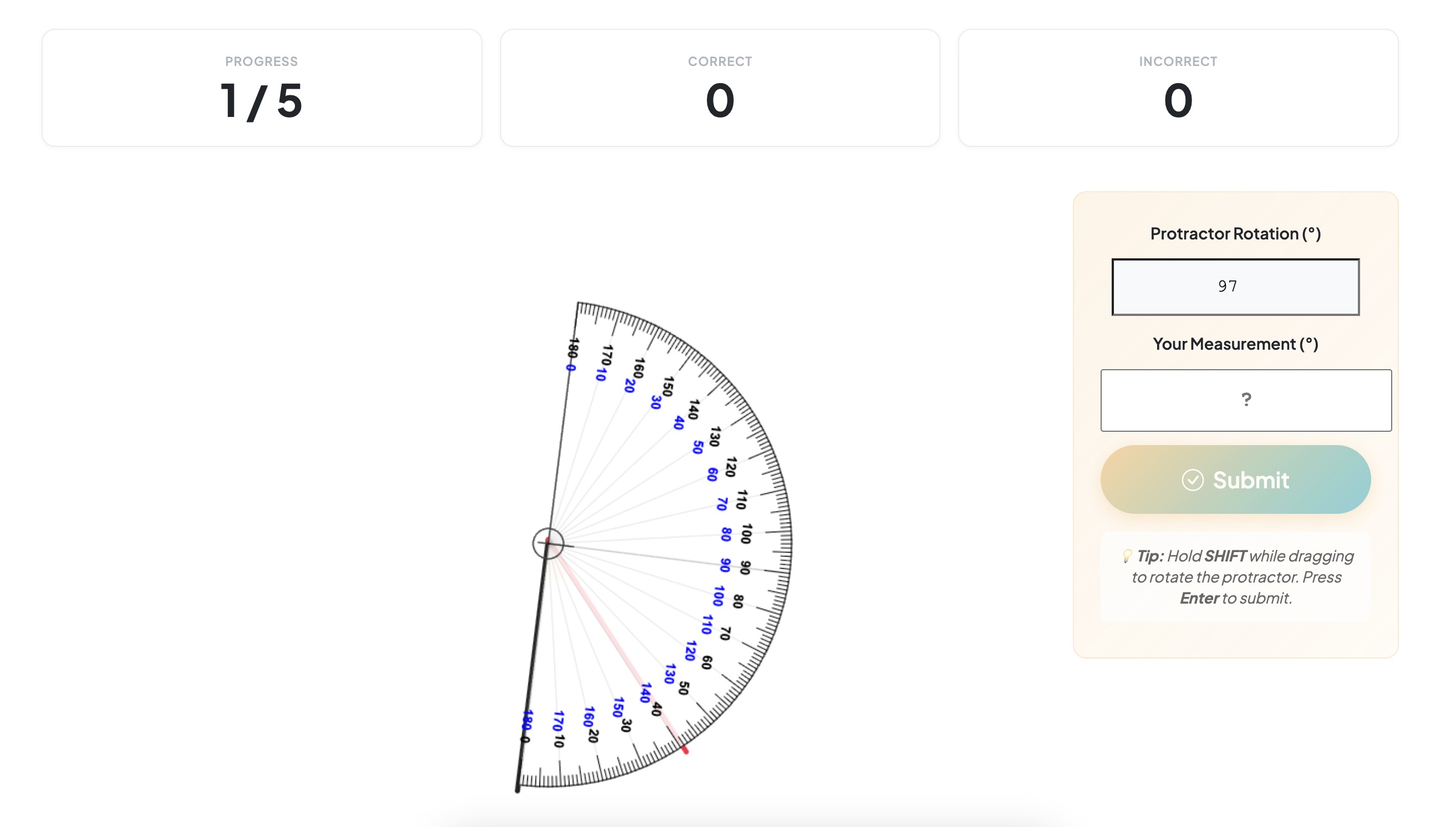
Use a virtual protractor to measure angles accurately. Drag to position, hold SHIFT and drag to rotate, then read the measurement!
Measuring Angles
Steps
Types
Difficulty
Game Mode
Questions
Summary
Angle Types
Choose which types of angles you'd like to measure. Select one or more.
📐
Acute

1° – 89°

📏
Obtuse

91° – 179°

🔄
Reflex

181° – 359°

No types selected
Step 1 of 5
Difficulty
Choose whether angles should be multiples of 5° or any degree.
Multiples of 5°

e.g. 35°, 70°, 120°

Nearest Degree

e.g. 37°, 73°, 124°

Step 2 of 5
Game Mode
How would you like to play?
Timed Challenge

Answer as many as possible

against the clock

Fixed Questions

Answer a set number

at your own pace

Step 3 of 5
Duration
How long would you like to practise?
1
Minute
2
Minutes
5
Minutes
10
Minutes
Step 4 of 5
Ready to play?
Check your settings before starting.
Types
Difficulty
Mode
Duration
Step 5 of 5
Time
0:00
Progress
0
Correct
0
Incorrect
0
📐 Ready to measure some angles?

Use the protractor to measure angles accurately. Drag to position, SHIFT+drag to rotate!

🏆
Challenge complete!
Great work!
0%
Accuracy
0
Correct
0
Answered
Question review
How to play
1
Position the protractor
Click and drag the protractor to move it. Align its centre with the vertex of the angle.
2
Rotate to align
Hold SHIFT and drag to rotate the protractor. Align the baseline (0° line) with one ray of the angle.
3
Read and submit
Find where the second ray crosses the protractor scale. Type the angle in the box and press Submit or Enter.
Angle =
Answers within 2° of the correct value are accepted