Geometry • Transformations

Rotating Shapes

Rotate shapes 90°, 180°, and 270° around different centres on a coordinate grid.
Rotating Shapes
Steps
Shapes
Game mode
Questions
Summary
Shape types
Choose which types of shapes to rotate.
Simple shapes
Irregular shapes
No shapes selected
Step 1 of 4
Game mode
How would you like to play?
Fixed Questions
Answer a set number at your own pace
Timed Challenge
Answer as many as possible against the clock
Step 2 of 4
Number of questions
How many questions would you like to answer?
5
10
15
20
Step 3 of 4
Ready to play?
Check your settings before starting.
Shapes
Mode
Time
0:00
Score
0
Questions
0
Ready to rotate shapes?

Answer as many questions as you can!

🏆
Game complete!
Great work!
0%
Accuracy
0
Correct
0
Answered
0%
Accuracy
Question review
How to play
1
Select shape types & mode
Choose simple or irregular shapes, then select timed or fixed questions.
2
Read the rotation instruction
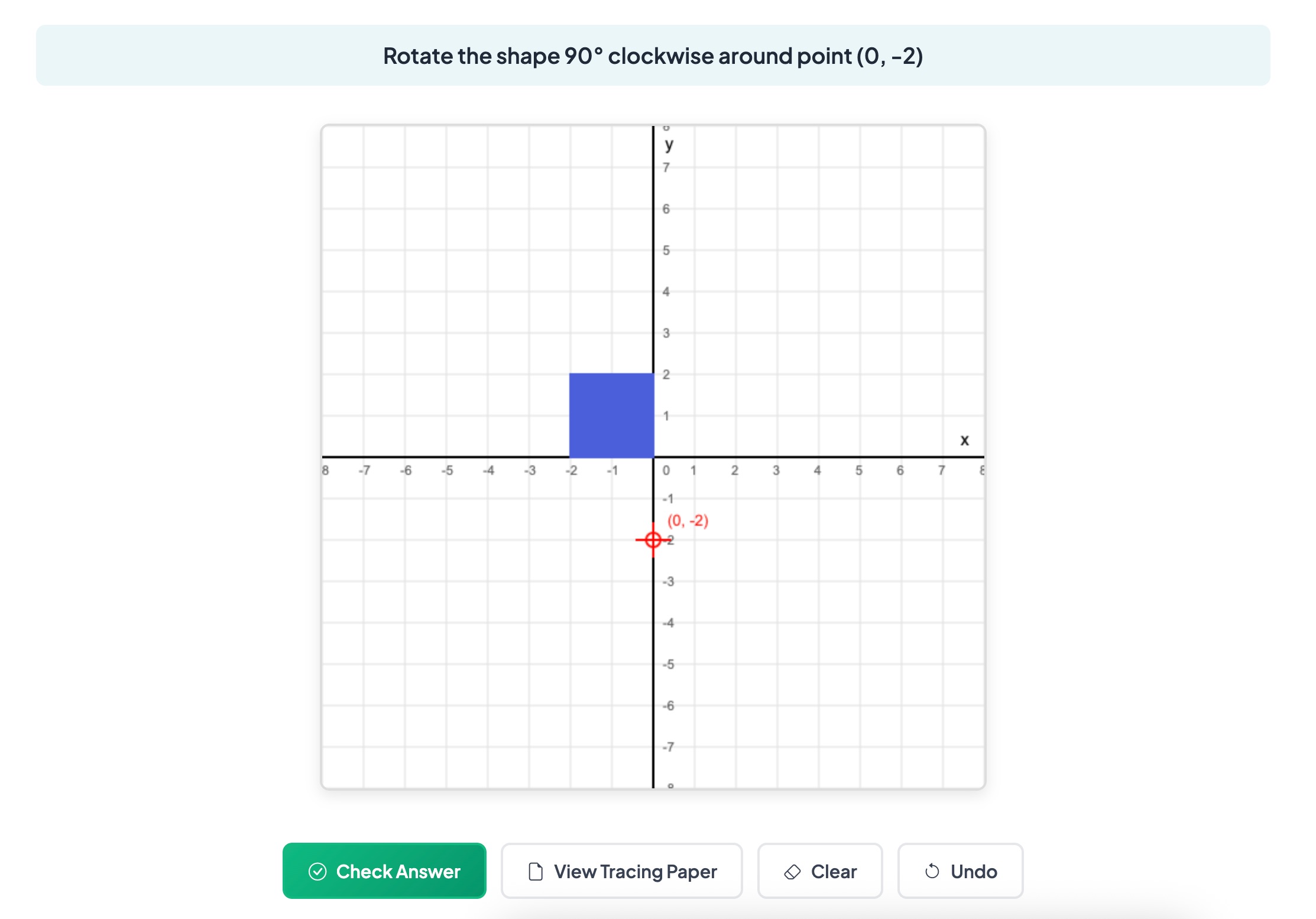
Each question shows the original shape (blue) and the rotation centre (red cross). Read the angle and direction.
3
Draw the rotated shape
Click grid points to draw the rotation. Close the shape by clicking back on your first point, then check your answer.
4
Use tracing paper
Use the optional tracing paper tool to trace and rotate the shape before drawing your answer.
Blue shape → rotate 90° clockwise
Around the red cross centre point